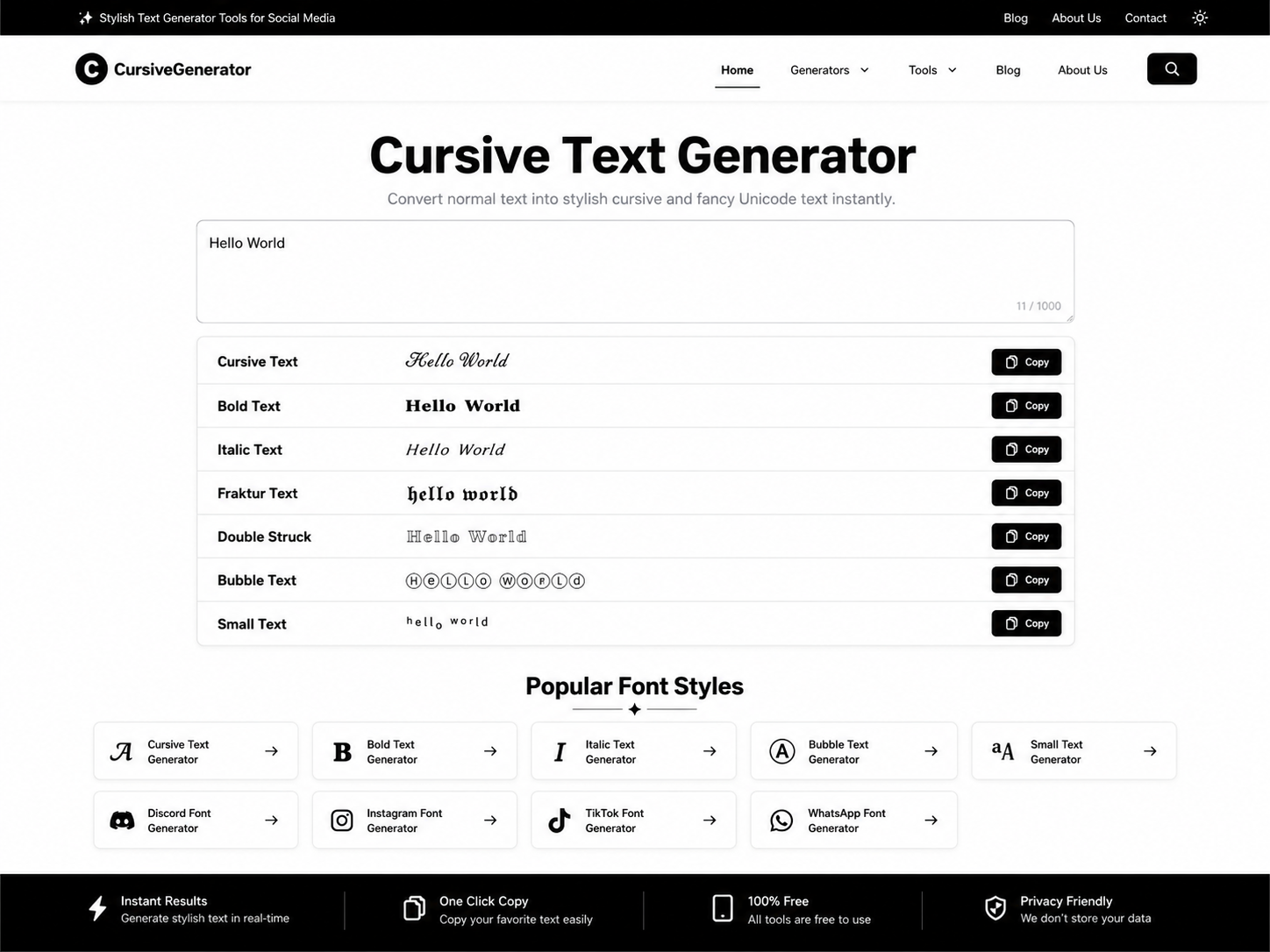
If you’ve ever stared at a blank design mockup, wondering what to fill it with, or needed sample data to test a new app, you’ve probably bumped into the term “random text generator” at some point. Maybe you clicked around, generated a paragraph or two, and moved on without really thinking about what the tool was doing or why it exists. That’s fair, most people use these tools without ever digging into the mechanics.
But once you understand how random text generators work and where they genuinely shine, you start seeing use cases everywhere: web design, software testing, creative writing, education, even cybersecurity. This guide walks through what these tools actually do, the different types you’ll come across, and practical ways to put them to work.
What Exactly Is a Random Text Generator?
A random text generator is a tool that produces blocks of text without any specific meaning attached to the words. The output can range from complete gibberish to something that reads like real sentences, depending on the type of generator you’re using.
The most famous example is “Lorem Ipsum” that oddly formal-looking Latin placeholder text you’ve seen in countless website mockups and print layouts. It’s been around since the 1500s, believe it or not, originally derived from a passage of Cicero’s writing that got scrambled and reused so often it became the industry default for filler content.
But Lorem Ipsum is just one flavor. Modern random text generators go far beyond that single use case. Some scramble letters into pseudo-words. Others use algorithms to string together grammatically plausible sentences. Some even pull from real dictionaries to generate readable, if nonsensical, paragraphs.
Why Does Random Text Even Matter?
It might seem like a small, almost trivial tool, and in some ways it is. But the reason it’s stuck around for decades comes down to one simple idea: sometimes you need to see how something looks or behaves before the real content is ready.
Think about a web designer building a new landing page. The client hasn’t finalized the copy yet, but the designer still needs to show how paragraphs will wrap, how headlines will sit against body text, and how the overall visual rhythm of the page will feel. Random text solves that problem instantly. It lets people focus on structure and layout instead of getting distracted by the meaning of the words.
That same logic applies across a surprising number of fields.
Common Types of Random Text Generators
Not all random text tools are built the same way. Here’s a breakdown of the main categories you’ll run into.
Lorem Ipsum Generators
These produce that classic pseudo-Latin filler text. It’s widely recognized, doesn’t distract readers with real meaning, and has become something of a design industry standard. If you’ve used tools like Adobe XD, Figma, or basic HTML mockup templates, you’ve likely seen this in action already.
Word Salad or Gibberish Generators
These create strings of random letters or nonsense words, useful when you specifically want text that has zero resemblance to real language, often for stress-testing fonts, character encoding, or UI elements that need to handle unpredictable input.
Sentence and Paragraph Generators
Rather than scrambling letters, these tools use grammar rules or language models to build sentences that actually follow proper, even though the content itself is meaningless. This type is especially useful when you need placeholder content that feels more natural than Lorem Ipsum, particularly for apps or interfaces where users expect readable-looking text.
Random String Generators
These are a bit different. They generate short strings of random characters, often used for creating temporary passwords, unique identifiers, API keys, or test tokens in software development. They’re less about “text” in the writing sense and more about randomness for technical purposes.
AI-Based Text Generators
Some newer tools use language models to generate text that reads almost like real writing, just without a coherent overarching topic. These blur the line a bit, since the sentences can be grammatically flawless and even contextually interesting, despite being generated without any specific intent.
Practical Ways to Use a Random Text Generator
Here’s where things get genuinely useful. Let’s go through the real-world scenarios where these tools earn their keep.
1. Web and App Design Mockups
This is the classic use case. Designers need to visualize how content will sit within a layout before the actual copy exists. Random text lets you preview font sizes, line spacing, column widths, and overall visual balance without waiting on a copywriter or client to deliver final content.
2. Software Testing and QA
Developers frequently need to test how an application handles text input, form fields, comment sections, chat interfaces, and so on. Random text (especially string generators) helps simulate real user input, test character limits, check for bugs related to special characters, and confirm that the interface doesn’t break under unusual conditions.
3. Typography and Font Testing
If you’re a type designer or just picking fonts for a project, random text lets you see how a typeface behaves across different letter combinations, without your eye getting pulled toward the meaning of real words. It keeps the focus purely visual.
4. Creative Writing Prompts and Exercises
Some writers use randomly generated words or sentence fragments as a spark for creative exercises, a way to break out of writer’s block by reacting to unexpected combinations of language rather than starting from a blank page.
5. Educational and Training Purposes
Teachers and trainers sometimes use random text to build sample documents for teaching formatting, editing, or proofreading skills, since the meaningless content forces students to focus purely on structure and mechanics rather than getting caught up in content.
6. Data Privacy and Anonymization Testing
In development and security contexts, random text can stand in for sensitive data during testing, helping teams verify systems work correctly without exposing real user information in non-production environments.
How to Use a Random Text Generator (Step-by-Step)
Using one of these tools is refreshingly simple, but here’s a general walkthrough so you know what to expect:
- Choose the type of generator you need. Decide whether you want Lorem Ipsum, gibberish, sentence-based text, or random strings, based on your specific use case.
- Set your parameters. Most tools let you specify how much text you need, by word count, paragraph count, or character length.
- Generate the text. Click the button, and the tool instantly produces your placeholder content.
- Copy and paste it where needed. Drop it into your design file, code editor, document, or testing environment.
- Replace it before publishing. This step matters more than people realize, plenty of embarrassing website launches have gone live with leftover Lorem Ipsum still sitting in the footer. Always do a final content check before anything goes public.
A Few Things to Keep in Mind
Random text generators are simple tools, but there are a couple of practical considerations worth mentioning.
Don’t confuse placeholder text with real content strategy. It’s tempting to leave “good enough” filler text in place longer than intended, especially under deadline pressure. Treat it strictly as a stand-in, not a shortcut around writing real copy.
Match the generator to the task. Using gibberish text when you actually need something that reads naturally (or vice versa) can throw off how accurately your mockup or test represents the final product. Take a second to pick the right type before generating.
Be cautious with random strings in security contexts. If you’re generating random text for passwords, tokens, or keys, make sure the tool you’re using actually produces cryptographically secure randomness rather than a simple pseudo-random pattern, not all “random” generators are built with security in mind.
Final Thoughts
A random text generator might seem like a small, unglamorous tool, but it quietly supports a huge range of everyday work, from the earliest sketches of a website design to the final rounds of software testing. Once you understand the different types available and where each one fits best, you can use these tools with a lot more intention instead of just grabbing the first block of Lorem Ipsum you find.
Next time you’re staring down a blank layout or need to stress-test an input field, you’ll know exactly which type of random text generator to reach for, and why it’s been such a reliable part of the design and development toolkit for so long.